GD&T Basics for Machined Parts: Datums, Position, and What Actually Gets Measured
A working introduction to GD&T on machined parts: how datums build a reference frame, why true position beats coordinate dimensions, and how each callout is verified on a CMM.
Geometric dimensioning and tolerancing exists for one reason: to describe the gap between what a part must do and what a machining process can hold, in a language both sides can measure. A coordinate dimension with a plus or minus box answers the question "how far from this edge," while a GD&T frame answers the question "where does this feature sit relative to the features it must fit." This guide covers the symbols that appear on most machined part drawings, how datums work, and how each callout shows up in a CMM program.
Why datums come first
A datum is the theoretical reference a tolerance is measured from. In practice it is a machined surface, bore, or slot that the inspector can reproduce on a granite plate or in a CMM fixture. The order in the frame matters: the primary datum constrains the most, the secondary next, the tertiary last. The table below lists the datum features common on machined parts and what each one establishes.
| Datum feature | What it establishes | Typical frame position |
|---|---|---|
| Flat machined face | A plane; stops three degrees of freedom | Primary datum A |
| Precision bore | An axis; centers the part and stops two more degrees | Secondary datum B |
| Machined slot or two pins | A line; stops the final rotation | Tertiary datum C |
| Turned diameter | An axis for round parts | Primary on turned components |
| Machined shoulder | A plane along the axis; axial stop | Secondary datum on shafts |
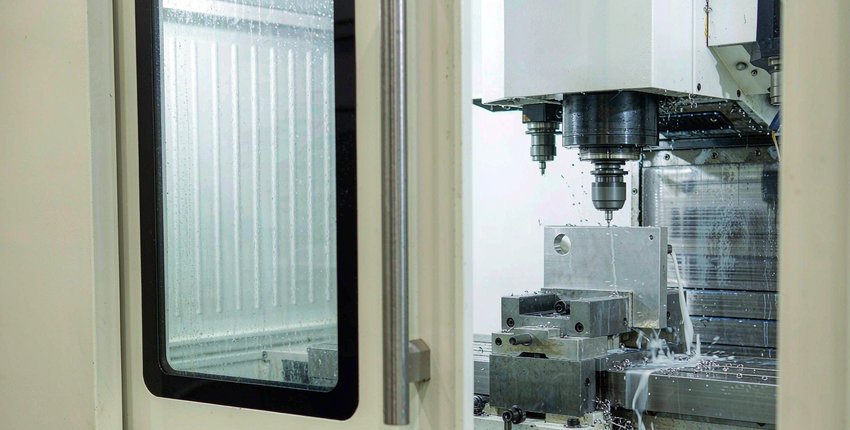
The critical habit is that machining and measurement must use the same datum. If the drawing references datum A as the face that sits in the vise and the inspector levels datum A on the CMM, the numbers agree. If the drawing references a face that was never machined in the same setup as the toleranced features, every reading carries a hidden offset. Our five-axis routing guide explains why machining features and their datums in one setup removes that offset entirely.
Position beats coordinate dimensions
The clearest case for GD&T is a hole pattern that must align with a mating part. A coordinate dimension of 20 mm plus or minus 0.1 from each edge draws a square zone 0.2 mm wide, which at the corner gives a hole 0.28 mm off true position. A true position callout of 0.2 mm diameter draws a round zone and holds the same distance in every direction, and it can carry a material condition modifier that grants bonus tolerance where the hole runs larger. The table compares the two languages.
| Specification | Tolerance zone | What it controls | Measurement |
|---|---|---|---|
| 20 mm plus or minus 0.1, two edges | 0.2 mm square | Distance from two edges, nothing else | Two caliper or CMM distances |
| True position 0.2 mm to A and B | 0.2 mm diameter circle | Center of the hole in every direction | CMM circle, compared to the datum frame |
| True position 0.2 mm MMC to A and B | Grows as the hole grows | Assembles with a mating pin or bolt | CMM with the material condition applied |
Coordinate dimensioning is not wrong; it is just incomplete for anything that must line up. Two plates each with holes at 20 mm plus or minus 0.1 can stack their corner errors and refuse to bolt together, while the same plates with true position callouts assemble regardless of which corner the holes land in.

The callouts that matter on machined parts
Most production drawings use a small vocabulary. The symbols below cover the geometry classes that appear on machined components, with how each one is verified in our inspection room.
| Callout | What it controls | How we verify it |
|---|---|---|
| Flatness | Every point of a face in two parallel planes | Height gauge sweep on a granite plate, or CMM plane scan |
| Parallelism | A face or axis parallel to a datum within a band | Height gauge at several points, or CMM |
| Perpendicularity | A face or axis square to a datum | Square and indicator, or CMM against the datum |
| True position | Center of a feature within a round zone to datums | CMM circle measurement, computed against the frame |
| Runout | Surface variation as a turned part rotates | Indicator on the rotating part between centers |
| Profile of a surface | Any contoured surface within a band around nominal | CMM point cloud compared to the CAD model |
Two practical notes. First, flatness and parallelism look similar but are not interchangeable: parallelism references a datum, flatness does not. Second, profile of a surface is the workhorse for five-axis contours, since it replaces a stack of coordinate checks with one band around the model. A drawing that skips GD&T entirely falls back to the general tolerance block and coordinate interpretation, which leaves the assembly questions the frame would have answered.
How the CMM verifies the frame
A CMM program starts by building the datum frame exactly as the drawing defines it: level on datum A, rotate on datum B, set the origin on datum C. Then each toleranced feature is measured and compared to that frame, and the software reports the deviation against each callout with the material condition applied. The full workflow from alignment to report is covered in our blog post on first-article CMM inspection, and the numbers behind CMM uncertainty live in the tolerance chart and the tolerance standards page.
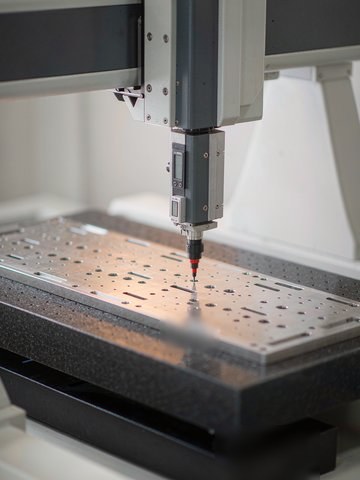
Where the drawing allows, our inspection plan verifies the callouts that function, not every dimension on the sheet: the pattern that must assemble, the face that seals, the bore that carries the bearing. The inspection and QC page lists the equipment behind those checks, and the quality page documents the certificates and control scope.
Specifying GD&T without overdoing it
Add a frame where a function depends on it: a bore that carries a bearing, a face that seals, a pattern that must align across an assembly. Leave simple brackets and standoffs to the general tolerance block. When a frame appears, keep the datum order sensible, reference machined surfaces only, and state material condition only where a fit genuinely benefits from it. The materials library notes how each alloy holds geometry, since a thin 6061 wall and a thick 7075 block answer the same callout very differently, and drawings that follow these habits quote faster because the inspection plan is obvious.
Frequently asked questions
What is the difference between flatness and parallelism?
Flatness controls a surface to itself, within two parallel planes with no datum. Parallelism controls a surface to a datum. A face can be perfectly flat and still lean against its datum; the callout that stops the lean is parallelism.
When should I use true position instead of coordinate dimensions?
Whenever a feature must align with a mating feature. Position gives a round zone and an optional material condition bonus, so the assembly works at the extremes. Use coordinate dimensions only for features that simply need to be somewhere reasonable.
Does a tighter position callout cost more?
It costs more to verify and more to hold if the datum frame is weak. Tight position to a stable machined datum on a five-axis part is routine; tight position to a thin, flexible feature is where the process and the price fight back.
What happens if my drawing has no GD&T at all?
The part is read to the general tolerance block with coordinate dimensions. That is acceptable for simple geometry, but any assembly that depends on alignment between features should carry frames, or the fit is left to luck and inspection arguments.
More Reference Guides
Charts and decision guides from the KGL engineering desk.
CNC Machining Tolerance Chart: IT Grades and What It Takes to Hold 0.005 mm
Read the reference →
Surface Roughness Ra Chart: What Ra 0.4 to Ra 3.2 Means and What Each Finish Costs
Read the reference →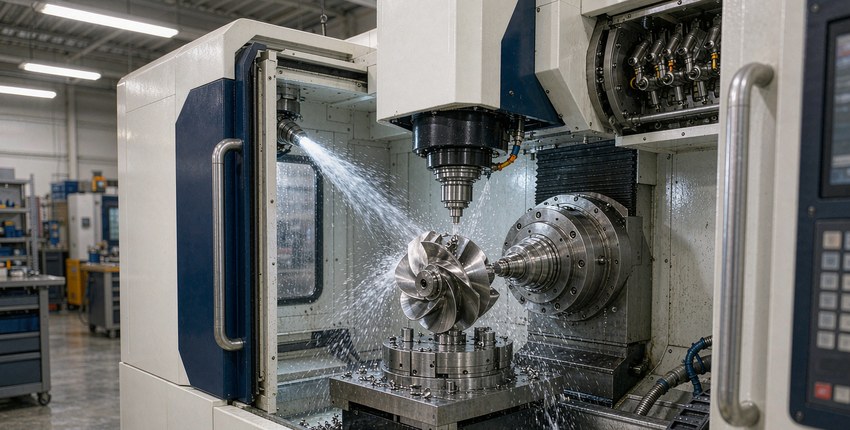
5-Axis vs 3-Axis CNC Machining: Cost, Setups, and When the Upgrade Pays
Read the reference →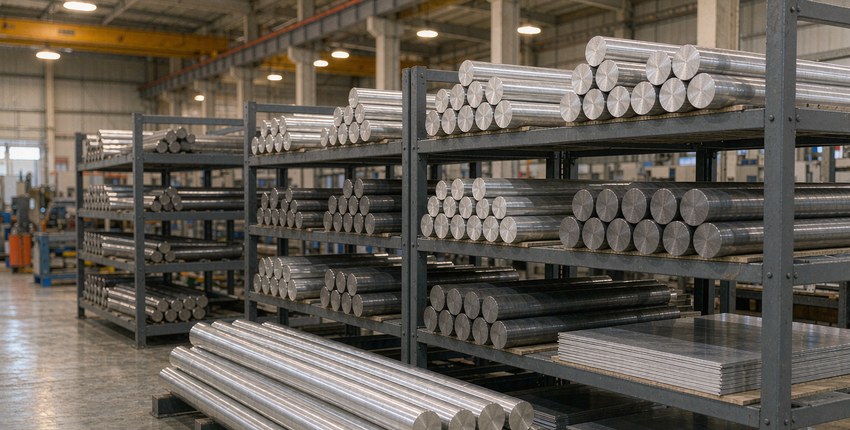
6061 vs 7075 vs Titanium: An Alloy Selection Guide for Machined Parts
Read the reference →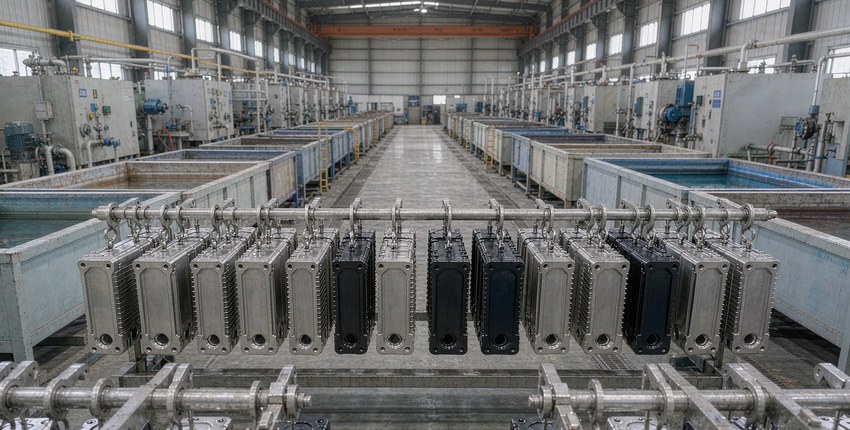
Anodizing vs Chem Film vs Electroless Nickel: Choosing a Finish for Machined Parts
Read the reference →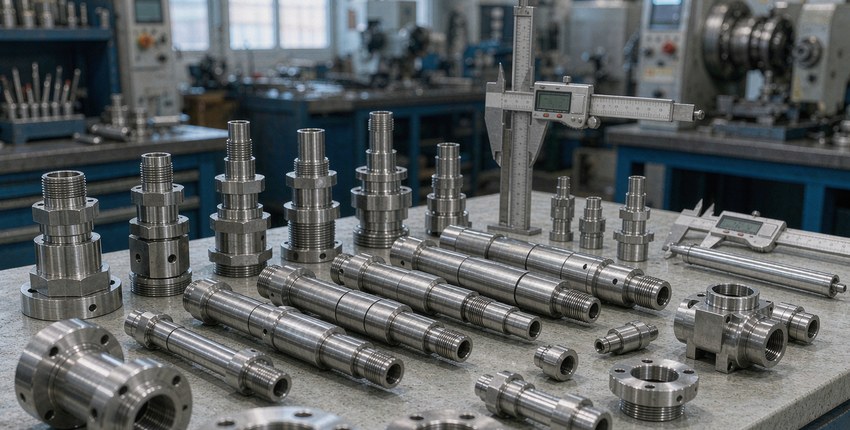
Stainless Steel 304 vs 316 vs 17-4PH: A Machining Perspective
Read the reference →
CNC Machining Cost Factors: What Actually Drives the Price
Read the reference →
CNC DFM Checklist: 15 Rules to Check Before You Send a Drawing
Read the reference →
Tight-Tolerance Machining: The Five Steps Behind a 0.005 mm Result
Read the reference →Have a drawing to check?
Send it to kgl@kglmfc.com or request a quote. Engineering review responds within 24 hours.
Request a Quote